
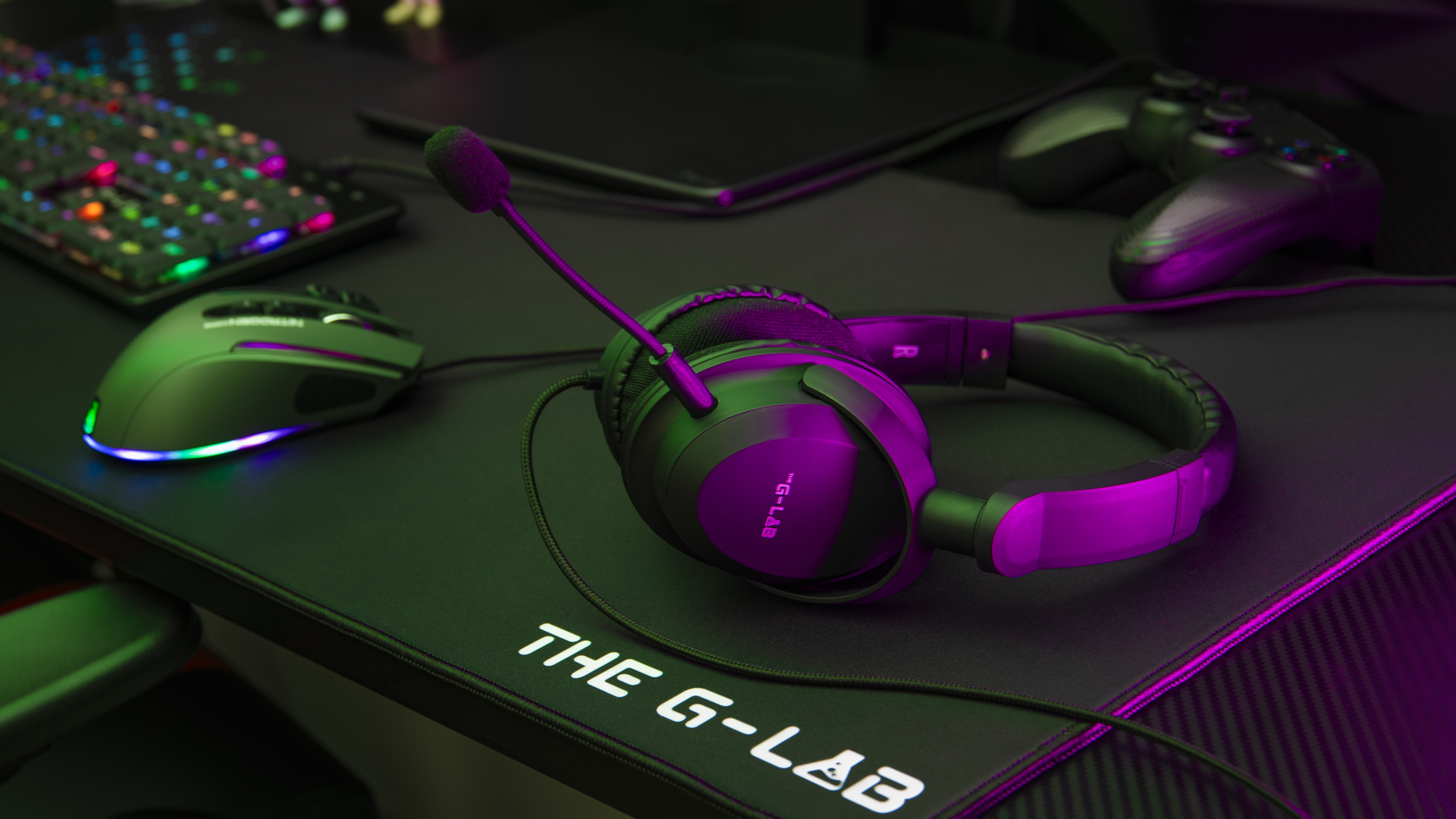
FAQ Korp Carbon
This product is plug and play, meaning it doesn’t require any customization software. Plug in and enjoy your purchase immediately.
The headset’s microphone is removable:
- Make sure that the microphone is properly inserted in the port provided on the headset for this purpose: there is a notch.
- Check that the “on” button on the remote control is lit and that the volume is set to maximum.
- Check that your headset is set up as an outgoing and incoming device in the audio settings of your computer or console.
- Connect the cable to your computer or console. ATTENTION: if you’re using the headset on a fixed PC, you’ll need a jack adapter to connect the headset to the sound jack and microphone jack ports on your computer tower.
If your microphone is not recognized by your communications application, try selecting “Microphone Array” instead of the default selection. 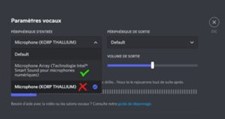
Korp Carbon is compatible with PC, cell phones, PS4, PS5, Xbox one and more.
Breakage and defects due to wear and tear are not covered by The G-LAB two-year warranty.
The pads are not removable.
We do not supply replacement pads.