
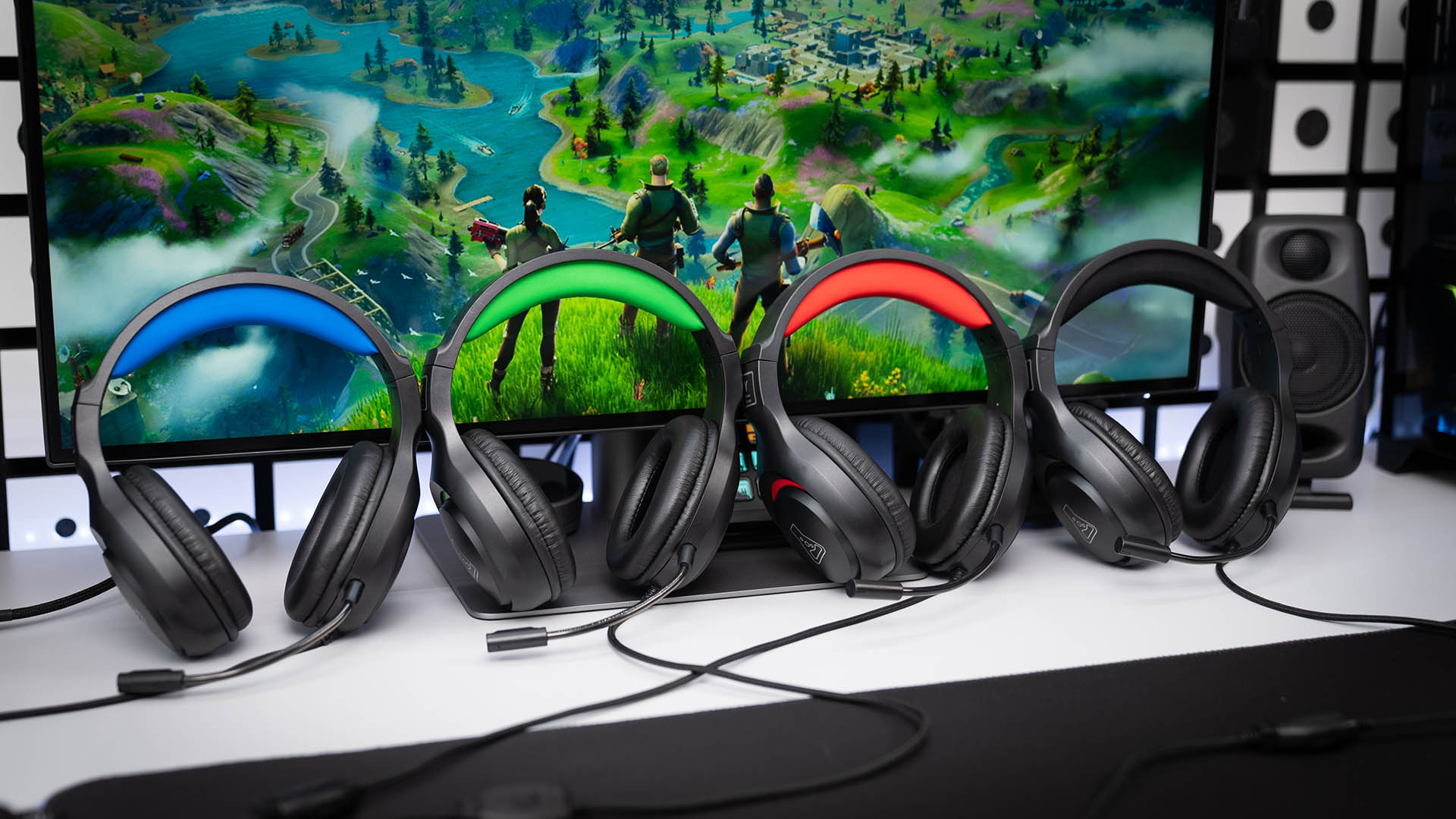
FAQ Korp Yttrium
This product is plug and playThis means it doesn’t require any customization software.
Simply connect the Jack to your PC/ console and enjoy your purchase immediately.
- -Check that your headphones are set up as outgoing and incoming devices in the audio settings of your computer or console.
- -Remember to connect the jack to your computer, as this is where the sound and microphone will work.
- If you’re using your headset on a stationary PC, you’ll need to use a two-prong jack adapter (splitter) so that the microphone and sound work simultaneously.
The RGB works via the USB plug on your headset.
Plug in the USB and press the “ON” button on the remote control, and your headset lights up.
The helmet features a unique breathable backlight effect.
If your microphone is not recognized by your communications application, try selecting “Microphone Array” instead of the default selection. 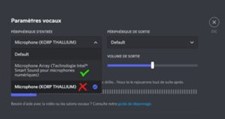
Breakage and defects due to wear and tear are not covered by The G-LAB two-year warranty.
We do not supply replacement pads.
They are not removable.