
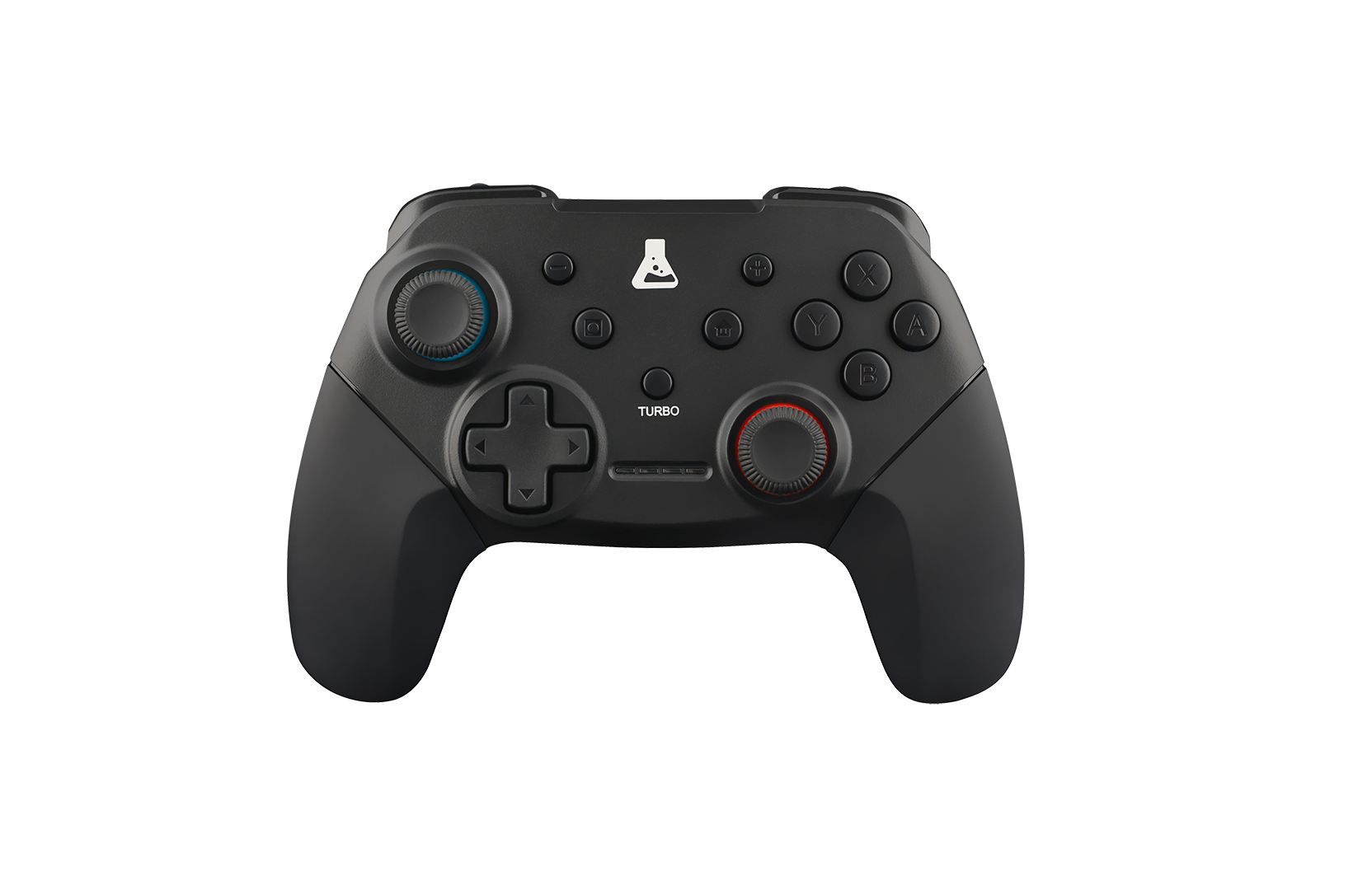
FAQ K PAD THORIUM SWITCH
- Press the central button on the joystick for 5 seconds after plugging it in.
- Insert a pin in the hole at the back of the joystick
- update your computer?
(what version of Windows are you using?) - Install the driver
Bluetooth mode is only available for Nintendo Switch.
If you want to play on PC, you’ll need to use the wired controller with the supplied cable.
The device may also be called “Xbox 360 Device”.
To make your controller work, follow these steps: – Connect your controller to your computer, then go to the device manager – Right-click on your controller “Xbox 360 Device”, then click on “uninstall device” (see attached photo) – Disconnect your controller and install the driver sent to you by e-mail – Reconnect your controller.
You may be experiencing a problem with your controller, particularly with the Windows error code 43.
Here’s how to solve the problem.
– Open Settings – Open Device Manager – Unfold the USB bus controllers tab – If any USB hubs, controllers or storage devices show a “!” signal in a yellow triangle, right-click Disable then Enable